
 01
A shared song starts it
The right-hand character makes the first move. The listener remains on the left, headphones on, until the remark catches their attention.
Turn two photos into a personal elevator video with the I Love The Smiths AI Video Generator, inspired by (500) Days of Summer. Upload one portrait for each person to create the headphone conversation with you and a friend.
Cast your two-person scene
This person hears the remark, takes off the headphones and turns to react.
This person notices the music and begins the exchange. Each slot keeps its side.
Landscape HD · 16:9 · approximately 14 seconds
A confirmed failed generation returns its credits to your balance.
Watch before you create
Play both clips with sound. Watch the headphone movement, the speaking turns and the reactions all the way through—not just the opening frame.
A test clip showing the listener lowering the headphones as the conversation begins.
A two-portrait test output with a green shirt, cream knitwear and the same left-and-right roles.
These are supplied test clips, not customer testimonials. AI likeness, expressions and hand movement can vary; a sample is not a guarantee that every result will match it.
The two-photo elevator meme
This two-photo video generator puts you and a friend in the elevator exchange from (500) Days of Summer. One person listens through headphones; the other recognizes the music and starts talking. The I Love The Smiths AI meme gives this shared-music moment a personal twist.
Use the I Love The Smiths AI video generator to put two consenting adults into those roles. Your portraits guide the new cast while the supplied reference guides the elevator setting, headphone gesture, speaking turns and sound. No filming together or editing timeline is needed.
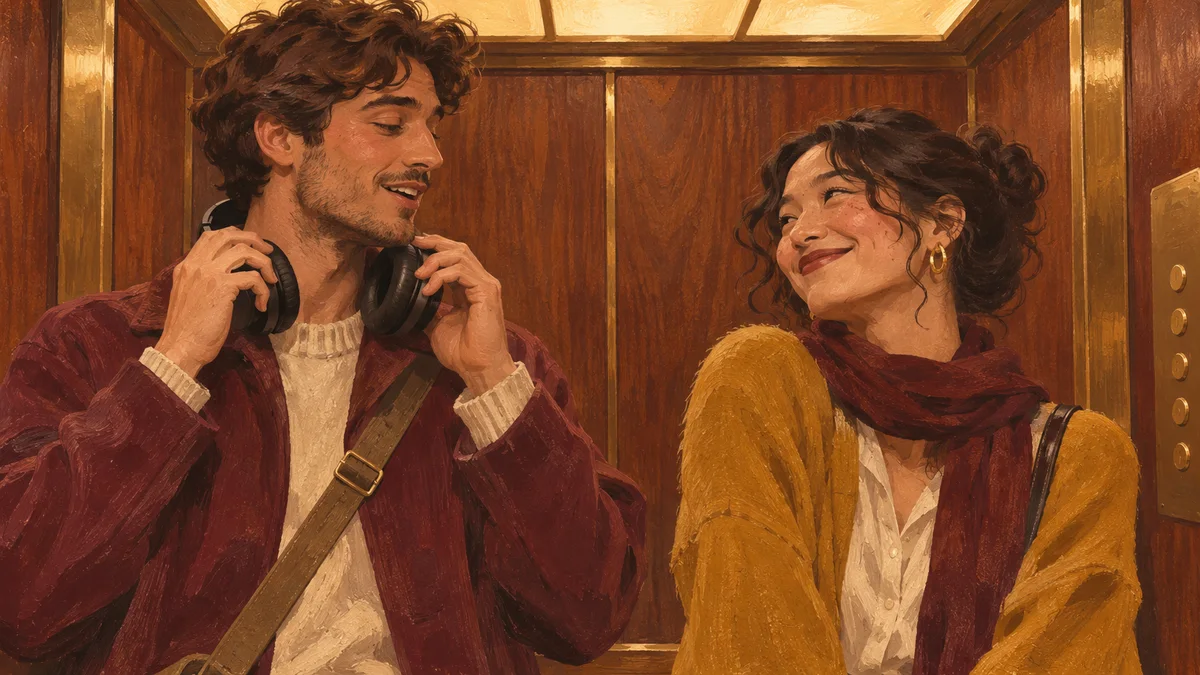 01
The right-hand character makes the first move. The listener remains on the left, headphones on, until the remark catches their attention.
 02
Removing the headphones makes the reaction visible. This gesture and the turn toward the speaker are part of the guided performance.
 03
A glance and a restrained smile finish the idea. Each character follows the speaking turn assigned to that side of the source scene.
New casting possibilities
These AI-generated stills show fictional adult pairings and possible visual moods. They illustrate ideas rather than customer results; watch the generated video above to see an example of the finished motion.
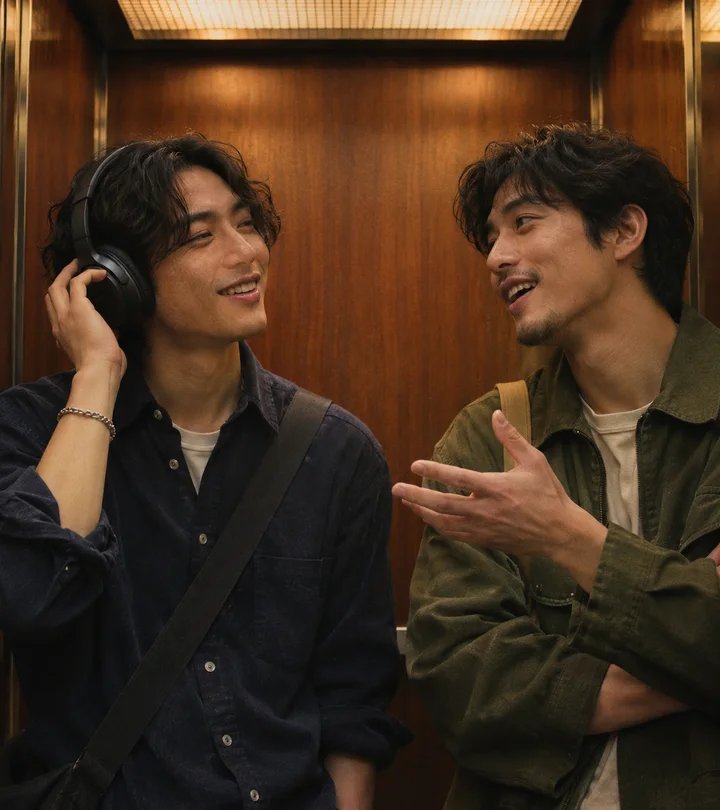
Try everyday outfits and natural portraits for an understated version of the moment.
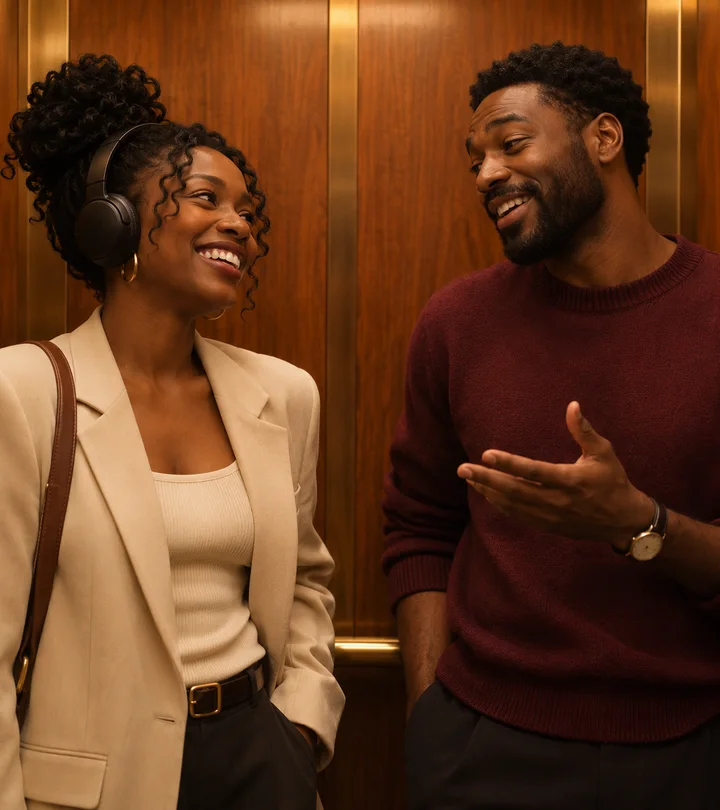
Cast a consenting friend opposite you. Upload order sets the two parts, independently of gender.
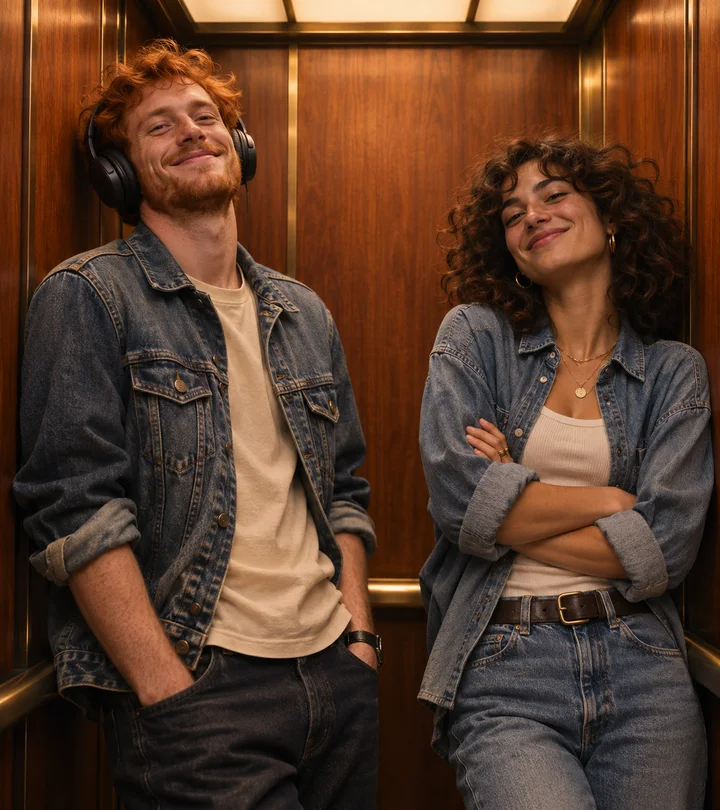
Keep both characters in view so the headphone gesture and answering expression remain part of the joke.
Follow each person through the head turn, not only the opening image. Watch whether the listener lowers the headphones naturally, whether the speaker keeps the right-hand role and whether the two reactions fit the conversation. These details help you decide if this fixed scene suits your idea. The sample clips show a format and a performance, not a promise of an identical face match for every upload.
Start with the people, not a prompt
The setting stays familiar, but the reason you choose the two people can change the whole joke. Pick a pairing with a real shared connection, then let the headphone reaction carry your version.
Cast the person who fills your messages with new tracks. Put them in the speaker slot if they are usually the one introducing a band; take the listener slot for the moment of recognition. A caption about an album you both know makes the video personal without needing to explain the entire friendship.
Choose photos that your partner is comfortable sharing and use a detail from your own story: a first concert, a favourite road-trip song or an album you discovered together. The scene does not need to look like your first meeting. It works as a playful AI retelling of something you already share.
An old band recommendation or a family music joke can be the setup. Choose one clear adult portrait for each side and agree on the roles before you upload. Keep the caption understandable to the people who will see it; a specific shared memory is usually more engaging than a generic announcement that you made an AI video.
Make the clip part of a birthday greeting for a consenting adult friend. Choose the two cast members first, then write a short message around the video rather than trying to force a new line into the fixed dialogue. Generate ahead of the occasion so there is time to review the result and save it before the download window closes.
Pick two consenting adults from the group who have opposite reactions to a favourite band: the enthusiastic recommender and the person finally giving it a listen. The upload slots decide who starts the conversation. Share the finished clip with context, and ask before posting it publicly or tagging the other person.
The listener and speaker do not have to match the gender of the characters in the movie. Cast two consenting adults in whichever roles fit your idea. What matters is the left-and-right upload order and a readable face in each photo. Keep both outfits visible in the portraits if clothing is part of the visual joke.
A little preparation. A better result.
Use two separate JPG or PNG portraits, up to 10 MB each. Choose a face that is sharp, well lit and easy to see. The left slot listens; the right slot starts the exchange.
Create an account or sign in, then choose 1, 3 or 10 videos. Every video uses 150 credits. Packs are one-time purchases, starting at $7.90 for one video.
Generation usually takes 5–15 minutes. Busy periods, automatic retries and longer queues may take more time. Follow the existing task in your video library instead of submitting another one.
Review both people throughout the clip, then download the MP4 within 24 hours. If completion emails are enabled, a notification links you back to the finished video.
The photo matters
A simple shoulder-up portrait gives the generator useful identity detail. Choose soft light and an unobstructed face; the scene supplies the headphones and elevator.
One consenting adult, with visible eyes, natural facial detail and enough hair and shoulders to show the appearance you want. Soft daylight and a level camera work well.
The face is tiny, blurred, heavily filtered, hidden by sunglasses or mixed into a group shot. Strong side profiles and deep shadows leave less identity detail for the model.
These illustrative portraits depict fictional adults. Only upload photos you are permitted to use.
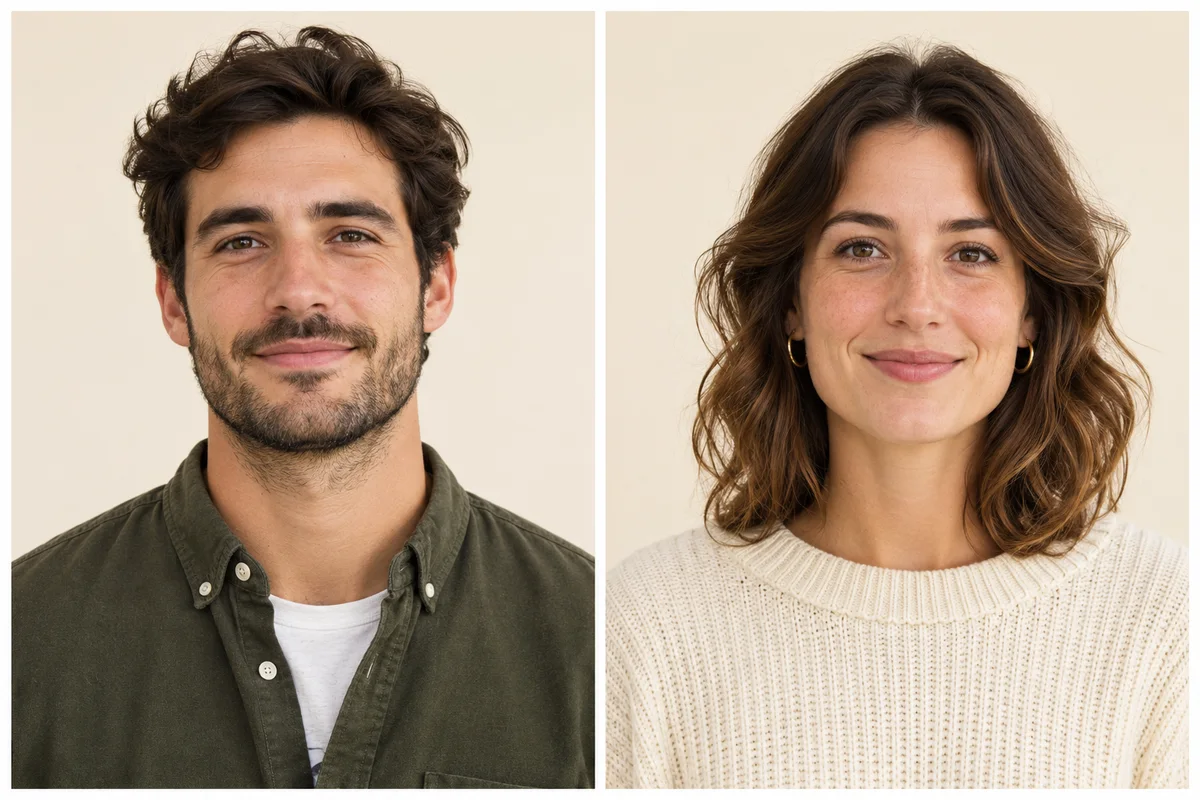
Illustrative AI portraits of fictional adults, created for this guide. These are not user uploads.
Try to choose photos with a similar level of sharpness and natural detail. One heavily filtered image beside one unfiltered image gives the model very different identity information. You do not need matching backgrounds or a photo taken together: the scene provides the elevator. Visible hair, a clear jawline and some shoulders are more useful than a decorative background.
Watch a sample from the beginning, then name the two parts for your own version. The left portrait becomes the headphone listener; the right portrait starts talking. If the joke depends on one person being surprised, put that person on the left. Swapping the two photos before submission is more reliable than writing an optional instruction that contradicts the slots.
The reference behind the reaction
The line and headphone encounter are associated with the 2009 film (500) Days of Summer. Our video preview is an AI-generated recast edit made with two sample portraits. The concept images elsewhere on this site are visual guides, not production stills from the film.
The official film page provides the context for Marc Webb’s film and its original cast. This tool focuses on the brief elevator encounter rather than recreating the whole story.
Explore the official film pageThe screenplay places a listener and a conversation starter together in the elevator. Their exchange explains the two roles you select above; it does not document the first online AI remix.
See the screenplay referenceThe Smiths are central to the scene’s musical connection. The linked interview gives background on the song associated with the encounter. This generator follows the supplied reference sound and does not create a personalized voice performance.
Read the song backgroundTwo uploaded portraits let you make your own interpretation. We make no claim to being the first creator of this format and do not claim endorsement from the film or band.
Choose your two portraitsI Love The Smiths AI is an independent creative service. These references explain the scene, without suggesting authorization or endorsement by the artists, cast or rights holders.
Read the I Love The Smiths AI meme guideThe scene behind the trend
The I Love The Smiths AI meme draws on the elevator encounter in the 2009 film (500) Days of Summer. One person is listening through headphones; the other recognizes the music. Taking the headphones off turns a passing remark into a conversation.
Review the details
Use a sharper portrait with a larger face, less shadow and no heavy filter. Side turns can expose missing identity detail, so review the whole clip rather than just its first frame.
Upload the headphone listener first and the conversation starter second. These slots define the roles. Keep optional instructions consistent with that order.
Yes. Faces, fingers, props and incidental marks can vary in AI output. The prepared reference and instructions avoid source overlays, but always inspect the delivered video.
Check the existing task in your video library first. A retry belongs to that attempt. Wait for a final status to avoid creating and paying for a second request.
Add the line only you could write
Keep the setup short and let the reaction do the rest. A shared album, a favorite track or a very specific friendship joke can give the familiar exchange a new meaning.
Ask the other person whether they want the clip shared or their account mentioned.
Use the platform’s available AI label and describe the clip as a generated reinterpretation.
A landscape frame keeps the listener and speaker visible together. Check your rights to use the audio on the destination platform.
One-time packs · your own pace
Buy the number of scenes you want to make. Credits stay in your account without an expiry; confirmed failed attempts return the credits they used.
One elevator moment
1 video · $7.90
Three new takes
3 videos · $6.63 each
Ten connections
10 videos · $5.49 each
Your two portraits guide the people and their visible clothing. The template provides the elevator setting, headphone movement, conversation and reference sound. The upload order fixes the two roles. AI resemblance can vary during turns and expressions, so review the full result.
No filming is needed. Upload one portrait per person. The scene is already directed; the optional appearance field lets you add a visual preference. It does not change the dialogue, camera format or the two fixed roles.
One video costs $7.90, three cost $19.90 and ten cost $54.90. The packs add 150, 450 and 1,500 credits. One generation uses 150 credits. These are one-time purchases, not recurring subscriptions.
A confirmed failed video stage can be submitted again automatically, up to two retries, while completed work is retained. Final assembly also has a retry mechanism. Do not create a second task while a retry is running. A confirmed final failure returns the credits used by that task; a completed result is subject to the refund policy.
The 5–15 minute window is an estimate, not a deadline. Model queues, retries and delivery processing can add time. Keep the same task open in My Videos to see its latest status. You do not need to keep the homepage open for background processing to continue.
This template uses its fixed elevator performance and reference soundtrack. It does not record your voice, rewrite the conversation or offer vertical output. The delivered file is a landscape HD MP4, approximately 14 seconds long.
Finished videos are stored for 24 hours. Download the MP4 from My Videos or your completion email before the link expires. Keep your own copy if you want to share or save it for later.
No. This is an independent AI reinterpretation tool inspired by the scene. It is not affiliated with the film, cast, band or social platforms. Get permission for the people you upload and check your audio rights before posting.
The meme references the elevator music conversation in (500) Days of Summer (2009). Our preview is an AI-generated example made with two sample portraits. This independent AI tool is not an official film or band product.
Draft portraits remain in this browser until submission. Submitted inputs pass through moderation and generation services. Finished videos are available in your account for 24 hours, so download the MP4 promptly. See our Privacy Policy for processing details.
One shared favourite. Your own version.
Start with two portraits. Keep the conversation, change the cast.
Choose your portraits